How to Use Claude's Creative Connectors: A Practical Guide
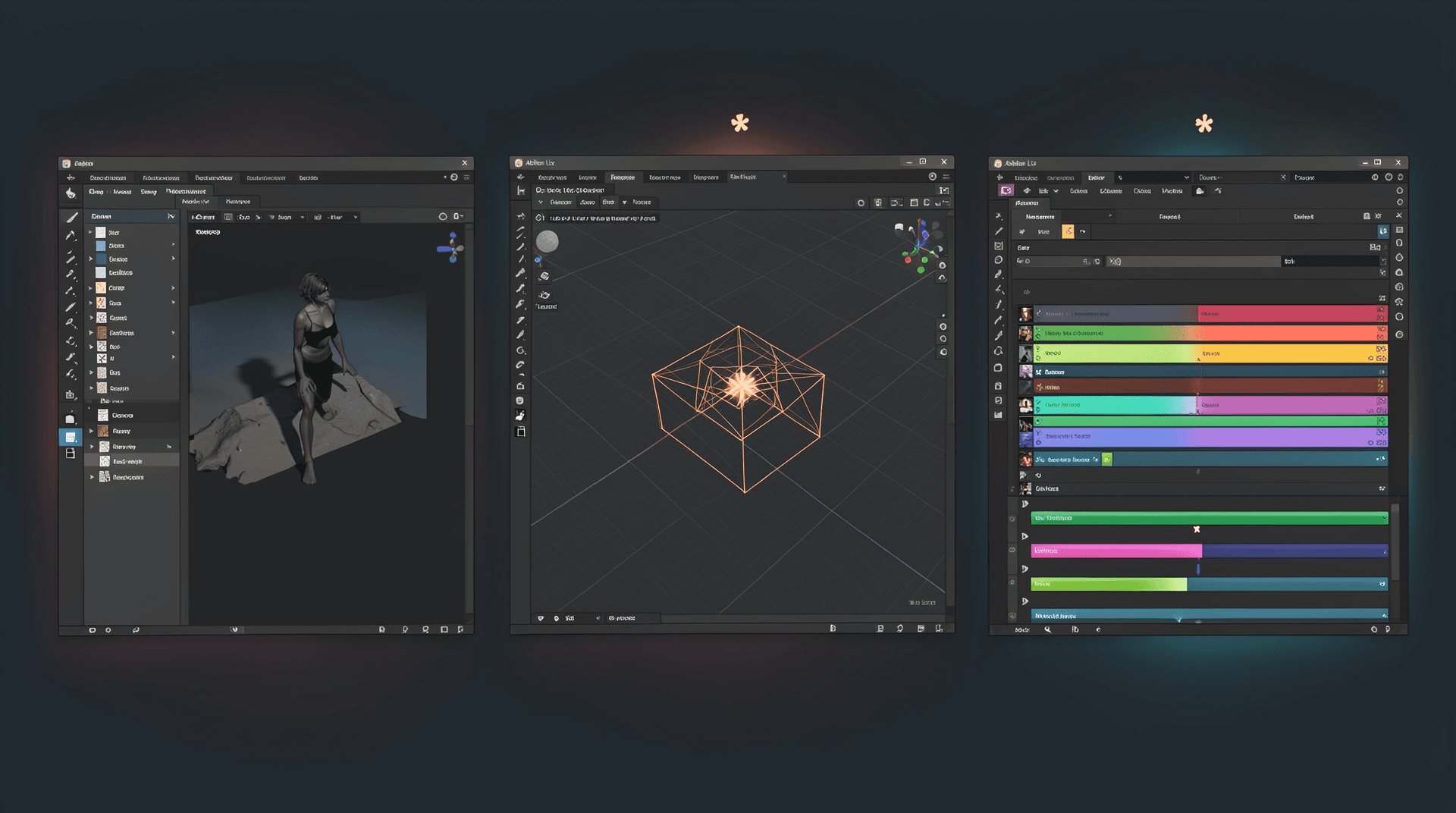
On April 28, 2026, Anthropic shipped nine MCP-based connectors that embed Claude directly into professional creative software. The pitch is simple: talk to Claude inside Photoshop, Blender, Ableton, a
How to Use Claude's Creative Connectors: A Practical Guide
On April 28, 2026, Anthropic shipped nine MCP-based connectors that embed Claude directly into professional creative software. The pitch is simple: talk to Claude inside Photoshop, Blender, Ableton, and six other tools. The reality is more fragmented. Four of these connectors are genuinely agentic : they read your project state and write changes back. Two are read-only documentation lookups. One generates a starting file you finish by hand. Knowing which is which is the difference between saving hours and wasting them.
This guide walks through the agentic four in depth, flags the limits on the rest, and explains when each one is worth your time.
The Agentic Four: What Actually Mutates Your Work
Adobe for Creativity: The Orchestration Layer
The Adobe connector is the broadest of the set. It exposes fifty-plus tools across Photoshop, Premiere, Illustrator, Firefly, Lightroom, InDesign, and Express from natural language prompts. You can upload headshots and ask for "balanced lighting, background blur, auto-straighten, portrait crop" : Photoshop applies each step in sequence. Or resize a sixteen-to-nine clip to nine-to-sixteen Reels, one-to-one feed, and four-to-five Shorts while keeping the speaker centered and auto-captioning each version. The connector orchestrates across apps rather than trapping you in one.
Setup takes about five minutes. Open Claude Desktop or the web app, navigate to Customize → Connectors, browse for "Adobe for creativity," install, and sign in with an Adobe account. Guest access gives you roughly forty standard tools without an account. A free or paid Adobe account unlocks higher usage limits, Creative Cloud storage, and session continuity.
The catch is that this is workflow orchestration, not generative AI. It will not replace Adobe Firefly for generative fill or AI video generation. The two coexist: Firefly handles generative tasks inside Adobe apps, and Claude handles cross-app workflow automation. If you expect Claude to generate images or video, you will be disappointed. If you want to batch-process fifty headshots with consistent settings across Lightroom and Photoshop, this saves real time.
Researched and written by Artificial Dispatch's AI newsroom, with an automated and human quality check before publishing. AI-generated reporting can contain errors, so verify anything important against the linked sources. Spot a mistake? Tell us and we will correct it.
The catch: Four of the nine connectors are genuinely agentic. The other five are read-only, hand-off, or niche tools. Anthropic's marketing calls them all "creative connectors," but the gap between marketing language and actual capability is significant.
Blender: The Most Technically Interesting
The Blender connector is the only one built by the vendor itself : the Blender Foundation, not a community project. It exposes Blender's full Python API to natural language, which means Claude can read your scene, write Python scripts, batch-apply changes, and even add new tools to Blender's UI.
Real workflows include: renaming all data blocks to match their contents, walking through Geometry Nodes modifiers and writing explanatory notes as frame labels in the node editor, listing everything that uses a specific material and flagging what breaks if you remove it, or writing a custom shader that Blender saves to its UI for reuse.
Setup requires Claude Desktop (the browser version will not work). Add the connector from the directory, then in Blender open the MCP Server page and drag the install link into the Blender window twice : once to add the repository, once to install the add-on. Each session requires reconnecting via the BlenderMCP tab. This is a deliberate security choice, not a bug.
The security model is worth understanding. Claude executes arbitrary Python inside your scene. There are no published guardrails, no sandboxed previews, and no confirmation steps before writes. Save before every interaction. For power users who already know Blender's keyboard shortcuts, a thirty-second chat prompt might do what two keystrokes already accomplish. For non-programmers who need scene analysis, dependency tracking, or custom tool generation, the natural-language-to-Python bridge eliminates a significant learning curve.
The Blender connector is the only vendor-built integration in the lineup, and it shows: the Python API exposure is deeper than anything else Anthropic shipped.
Affinity by Canva: Batch Production Work
The Affinity connector automates repetitive production tasks that eat hours in design work. Rename all layers and artboards to match their contents across hundreds of layers. Generate multiple export sizes for social, print, and web from a single master document. Apply tone adjustments across every image in a two-hundred-page document non-destructively. Export print-ready PDFs and PNGs named to client convention, packaged into a single folder, in one shot.
It also generates custom features directly in the app. Ask for a pattern generator with adjustable controls and it builds a dialog box, saves it to the Scripts panel, and makes it reusable. The "describe once, execute everywhere" pattern is genuinely faster than manual batching for production designers managing large documents.
Limitations: Affinity-specific. It does not bridge to other Canva tools. If your workflow spans Affinity, Photoshop, and web tools, you will need multiple connectors.
Resolume Arena and Wire: Real-Time Performance
The Resolume connectors are the most agentic in a narrow context: live VJ and audiovisual performance. Arena controls clips, effects, and layers in real time. Wire creates nodes for AV production patches and writes ISF shaders. Setup requires Resolume 7.26.0+ and Claude Desktop, installed via an .mcpb file. Opus model is recommended; Sonnet and Haiku are faster but make more mistakes.
Limitations are explicit: Arena cannot modify slices, MIDI mappings, or render compositions. Wire cannot manage dashboard presets. This is the most agentic connector for a narrow use case. If you are not a live VJ or AV producer, skip it.
Advertisement
Advertisement
The Read-Only Pair: Documentation and Search
Ableton: Documentation Only
The Ableton connector grounds Claude's answers in official Ableton documentation for Live and Push. It is intelligent documentation search, not music production automation. It will not compose music, generate MIDI, sequence instruments, or mix your track. The marketing language often oversells it as "AI for music production." Treat it as a faster way to find the manual entry you need.
Splice: Catalog Search
The Splice connector searches Splice's royalty-free sample catalog from inside Claude using natural language descriptions. It does not download or place samples into your DAW. You still manually transfer whatever it finds. It saves a browser tab switch. That is the entire value proposition.
The Hand-Off: SketchUp
The SketchUp connector converts a natural language description into a starting 3D model you refine in SketchUp proper. This is rapid prototyping, not production. If your concept is simple enough to model directly, the hand-off adds a step.
What the Marketing Doesn't Say
Anthropic's announcement describes all nine connectors as embedding Claude into creative workflows. The framing elides a critical split: four mutate files, two are read-only, one is a starter generator, two serve a narrow niche.
No published guardrails exist for the agentic connectors. A bad prompt can overwrite your scene or timeline. Latency is undefined; large Blender scenes may hit rate limits. Context drift is real: MCP connectors read live project state but do not maintain memory across long sessions. The skill atrophy risk is real for Blender users relying on Claude-generated Python.
Half of these connectors are genuinely agentic. The other half are useful but limited. The story is knowing which is which before you commit a workflow to them.
The Strategic Context
These connectors launched eleven days after Claude Design, a Figma competitor that erased roughly $1.2 billion from Figma's market cap on launch day. The dual strategy is clear: Claude Design attacks from the amateur end. The creative connectors attack from the professional end.
MCP was donated to the Agentic AI Foundation under the Linux Foundation in December 2025. These same connectors work with Gemini, OpenAI's models, and any MCP client. Anthropic's bet is on Claude's reasoning quality, not exclusivity. That is the right bet for users, but the competitive advantage is ephemeral.
Who Should Use What
Use the agentic four if:* you manage large production workloads across Adobe apps, you need Blender scene analysis without Python knowledge, you batch-process design documents in Affinity, or you perform live VJ shows.
Use the read-only pair if:* you are learning Ableton or browse Splice frequently.
Skip entirely if:* you are a power user whose keyboard shortcuts outpace natural language, you work on simple one-off tasks, or you need production guarantees Anthropic has not yet defined.
Why it matters: The connectors are free on all Claude plans, with Pro offering five times the usage per session. But free does not mean risk-free. Agentic connectors can overwrite your work without guardrails. Enterprise admins must enable third-party connectors in organization settings before team members can use them.
The connectors are free on all Claude plans, with Pro offering five times the usage per session. Enterprise admins must enable third-party connectors in organization settings. The honest read is that four are genuinely useful, two are conveniences, one is a hand-off, and two serve a narrow niche. The split is the story.